Homebrew Batch Scaling Calculator

Resize a beer recipe for a new batch volume, then decide whether grain should scale linearly or be corrected for a change in brewhouse efficiency.
Scale homebrew recipes without changing their intent
Homebrew equipment and batch goals change over time. A one-gallon trial can become a five-gallon house beer, a stovetop recipe can move to an electric system, or a new mash setup can extract sugar more efficiently than the old one. In each case, the beer profile may stay the same while the ingredient quantities need revision. This homebrew batch scaling calculator handles that practical task by resizing the recipe for a new volume and, when needed, correcting fermentables for a different brewhouse efficiency.
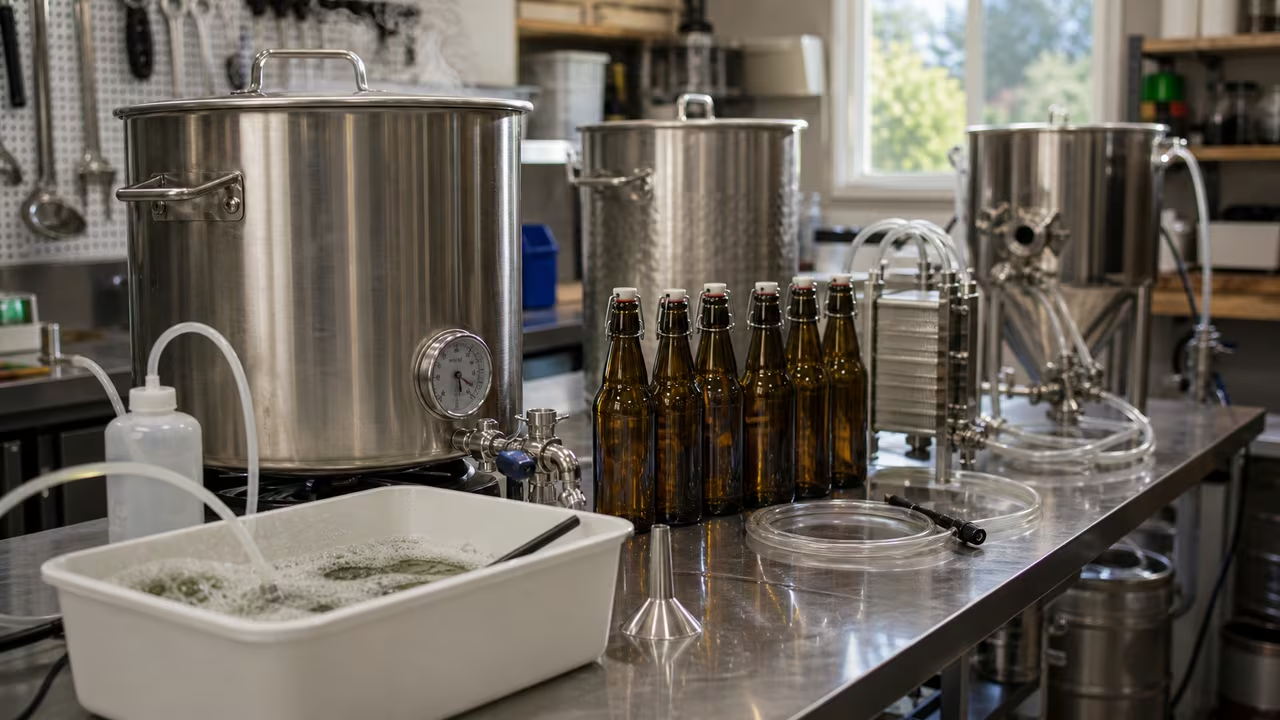
For homebrew scaling, not every ingredient necessarily follows the same rule. Water, hops, and yeast are scaled here by the batch-volume ratio. Grain differs when the target system extracts more or less sugar from the mash than the system used for the original recipe. Copying a grain bill without an efficiency correction after a meaningful system change can miss the intended gravity even when every amount is measured carefully. This calculator keeps that grain-specific decision visible rather than applying one unexplained multiplier to everything.
This homebrew recipe tool is designed for the decisions that come before brew day: how much grain to purchase, how much water to plan for, and whether changing systems calls for a malt adjustment. It provides a quick resize rather than a complete brewing-modeling suite. If you are deciding whether a ten-gallon version needs twice the ingredients from a five-gallon recipe, or whether only the grain amount should change for a more efficient system, this calculator gives you a clear starting point.
Homebrew batch-scaling inputs and recipe quantities
For this homebrew batch calculation, begin with Units. The selector controls result labels only; it does not convert values already entered. A recipe written in gallons, pounds, and ounces should be entered consistently in those units with imperial selected. A recipe written in liters, kilograms, and grams should use metric entries throughout. Mixing systems can produce misleading ingredient amounts, so check the unit family before calculating.
Original Batch Size is the volume for which the source beer recipe was written. Target Batch Size is the volume you plan to brew. The calculator uses these values to create the base scaling factor. A 5-gallon recipe resized to 10 gallons has a factor of 2, while a 20-liter recipe resized to 10 liters has a factor of 0.5. Water, hops, and yeast use this batch-size ratio directly.
Efficiency Adjustment determines whether malt follows the same factor as the other ingredients or receives a grain-specific correction. Choose Same Efficiency when the source and target brewing processes extract fermentable sugar at roughly the same rate. Choose Adjust for System Efficiency when comparable original and target efficiency figures differ enough to affect the grain bill. A lower target efficiency requires more grain to reach the same gravity, while a higher target efficiency requires less grain in this model.
The recipe fields collect the original quantities for Water, Malt/Grain, Hops, and Yeast. Results stay in the unit family selected on the form: water is labeled in gallons or liters, grain in pounds or kilograms, hops in ounces or grams, and yeast in packets. A fractional yeast result can still be useful as a planning baseline for split packs, sachets, or a starter.
| Input | How to read it | Common mistake to avoid |
|---|---|---|
| Units | Choose one unit family and stay with it for every entry. | Switching the selector after typing values and assuming it converted them. |
| Original Batch Size | The batch size the original recipe was built for. | Entering fermenter volume in one field and packaged volume in the other. |
| Target Batch Size | The size you want to brew now. | Forgetting losses and entering a target that does not match your normal system goal. |
| Original and Target Efficiency | Your actual brewhouse or mash extraction percentages when using efficiency adjustment. | Guessing wildly or confusing mash efficiency with brewhouse efficiency. |
| Ingredient amounts | The original recipe amounts before scaling. | Entering already-scaled numbers and then scaling them again. |
When selecting efficiency figures for a homebrew grain correction, compare the same kind of measurement on both systems. Comparing mash efficiency for one setup with brewhouse efficiency for another distorts the correction. Consistent definitions matter more than finding a supposedly perfect number.
Homebrew batch-size and grain-efficiency calculations
The homebrew scaling math starts with the target batch size divided by the original batch size. That factor is applied to water, hops, and yeast, and it also applies to grain when efficiency is unchanged. When efficiency adjustment is enabled, the calculator multiplies the grain factor by original efficiency divided by target efficiency, so the malt amount compensates for the change in sugar extraction.
With the same brewhouse efficiency, each scaled recipe amount equals its original amount multiplied by F. When an efficiency correction is selected, only grain uses the additional efficiency ratio:
In practical brewing terms, water, hops, and yeast always follow the batch-size factor in this calculator. Malt follows that same factor when efficiency is unchanged, or the combined batch-and-efficiency factor when adjustment is selected. This approach deliberately limits the efficiency correction to fermentable grain, where changed extraction has a direct effect on the gravity contribution.
Homebrew batch-scaling examples with efficiency changes
A pale ale written for 5 gallons with 7 gallons of water, 10 pounds of malt, 2 ounces of hops, and 1 packet of yeast can be resized to 10 gallons at the same efficiency with a factor of 10 ÷ 5 = 2. The scaled list is 14 gallons of water, 20 pounds of malt, 4 ounces of hops, and 2 packets of yeast. Each amount doubles because the target volume doubles and no efficiency correction is applied.
For a homebrew system-efficiency example, keep that 10-gallon target but assume the original recipe used 70 percent efficiency and the target system reaches 75 percent. The batch factor remains 2, while the grain factor is 2 × 70 ÷ 75 = 1.87. Water remains 14 gallons, hops remain 4 ounces, and yeast remains 2 packets in this simplified model. Malt becomes about 18.67 pounds rather than 20 pounds because the target system extracts more sugar from the grain.
The opposite homebrew situation increases the grain requirement. Moving from 75 percent original efficiency to 65 percent target efficiency while doubling the batch produces a grain factor of about 2.31. A straight doubling of the grain bill would then likely provide less fermentable extract than the original recipe intended. The calculator offers this as a fast planning estimate; further recipe tuning can still be appropriate for a substantial equipment change.
Use a brewer's basic reasonableness check after every resize. When batch size doubles, water, hops, and yeast should generally double in this calculator. With a higher target efficiency, the grain quantity should be lower than simple linear scaling; with a lower efficiency, it should be higher. If a result looks implausible, check the units first, then the selected efficiency mode, then the original recipe entries.
Reading scaled beer-recipe results before brew day
The scaled homebrew results form a practical ingredient list rather than a complete brewing simulation. That makes the calculator useful for early planning: estimating grain purchases, checking vessel capacity, or preparing a club-brew shopping list. It is most reliable when the original and target batches are intended to make the same beer and when batch volume plus efficiency describe the main difference between the processes.
This homebrew scaling calculator does not model hop-utilization changes from boil vigor, kettle shape, or altered timing. It does not recalculate water chemistry, mash thickness, boil-off rate, or trub losses. It also does not determine whether a yeast starter is appropriate for a large lager or high-gravity ale. Those are separate brewing calculations, so treat this page as a clean first pass for resizing ingredient quantities.
Hop amounts deserve particular care when precision bitterness is important. Linear hop scaling is a useful shopping-list estimate when the brewing process remains similar, but brewers seeking a specific IBU target may want to review bitterness calculations after changing batch size, gravity, boil duration, or equipment geometry. Water behaves similarly: a scaled total is useful, but final strike, sparge, and top-up volumes may still depend on losses specific to the target system.
The yeast output is labeled in packets because it is easy to plan from, not because pitching rate is always perfectly linear. A modest ale scale-up may justify proportionally more yeast or starter volume. A high-gravity beer or cold-fermented lager may call for a more deliberate cell-count calculation. The batch-scaling result is a sensible baseline before those recipe-specific decisions.
Homebrew scaling assumptions and final recipe checks
This homebrew recipe calculator assumes that the original recipe is coherent, the target aims for a similar beer, and batch size plus efficiency are the key differences worth correcting. It assumes positive, comparable efficiency percentages when adjustment is selected and positive original ingredient amounts. It is an ingredient-resizing aid rather than a complete recipe-design application.
For a final homebrew scaling check, read the batch factor before reviewing the ingredient lines. Water, hops, and yeast should follow that factor directly. Malt should either match it or display the efficiency-adjusted note. If the note appears unexpectedly, return the setting to same efficiency. If it does not appear when expected, confirm that adjustment is selected and that both efficiency fields contain valid percentages.
Used this way, the calculator becomes a quick recipe-review step before brew day. You can compare a half batch, a double batch, or a system change in seconds, see whether efficiency materially affects grain requirements, and begin with a clearer ingredient plan.
Homebrew scaling mini-game: Brew Splitter
This optional homebrew routing challenge reinforces the calculator's scaling rule. Move the splitter left or right before each ingredient reaches the valve. Send water, hops, and yeast to the Linear ×F lane. Send malt to the Efficiency lane only when the order card says brewhouse efficiency is being adjusted. It is a quick way to remember why grain is the one special case.
Tip: if the card says same efficiency, everything goes left. The moment the card switches to adjust efficiency, malt becomes the special case.