
Understand percentage calculator questions before you calculate
Percentage calculator questions can look alike while requiring different inputs: one may ask for a portion, another for a rate, and another for change relative to a starting amount. The key is to identify the base value rather than treating every percent problem as the same shortcut. A percentage is a ratio per 100, so each calculator mode uses that ratio in a different direction: finding a part, finding a rate, or comparing an ending value with its starting baseline.
That distinction matters in real situations. A sales discount, a test score, a conversion rate, and a month-over-month revenue change all use percentages, but the calculator mode and denominator are not always the same. This page performs the arithmetic while explaining what the two fields represent, why the selected formula applies, and how to check whether the answer fits the question you asked.
A percentage is a ratio expressed per 100. When you see 25%, it literally means 25 out of 100, or 0.25 as a decimal. Percentages are useful because they make comparisons easier. Instead of saying a part is 0.25 of a whole, you can say it is 25% of that whole. The same language appears in shopping discounts, sales tax, tips, grades, budgeting, interest rates, web analytics, and performance reporting.
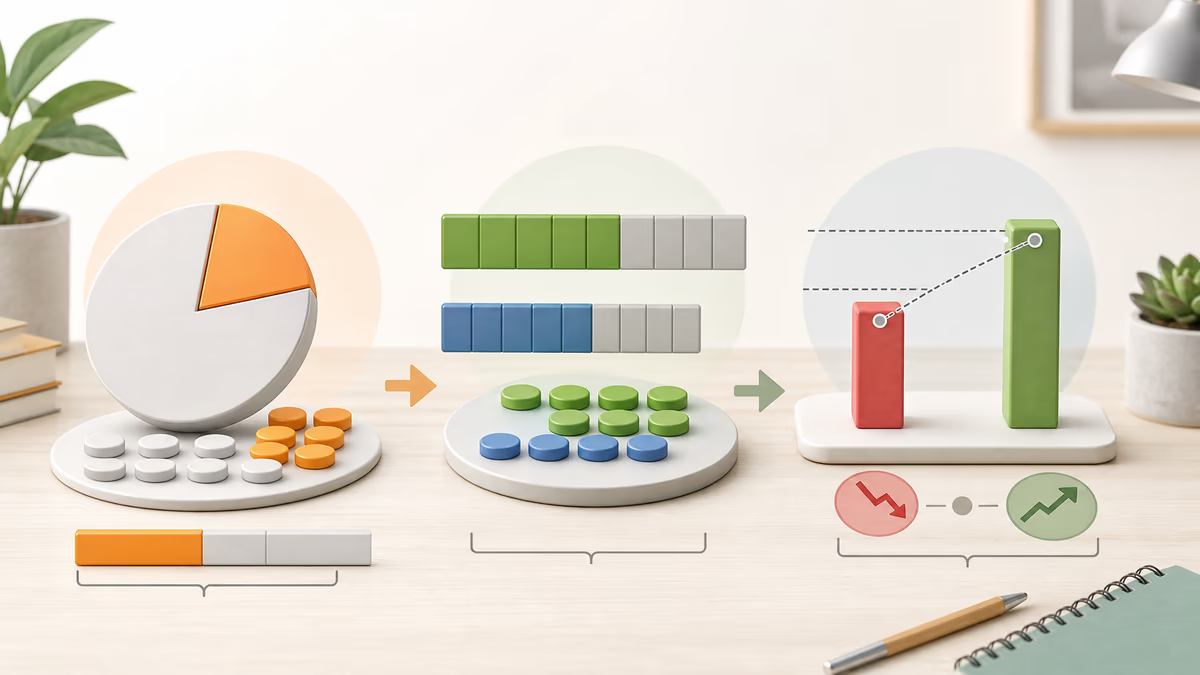
This percentage calculator focuses on the three question patterns people use most often. First, you may know a percent and a whole and need the resulting part. Second, you may know a part and a whole and need the percentage they represent. Third, you may have a starting value and an ending value and need the relative change. These sound similar in conversation, but they are different calculations, so selecting the right mode is the most important first step.
- Percent of a number helps you find the part when you already know the rate and the whole.
- What percent helps you find the rate when you already know the part and the whole.
- Percent change helps you compare an ending value with a starting baseline.
Percentage calculator results are displayed to two decimal places for readability. Internally, the browser uses standard floating-point arithmetic. If you are doing accounting, scientific measurement, or regulated reporting, keep extra precision in your own notes and round only at the final step according to the rules that apply to your situation.
How to use this percentage calculator
To use this percentage calculator, first match its operation to the wording of your question. If the phrase includes “of,” you are usually finding a part. If it asks “is what percent of,” you are solving for the percentage rate. If it says “from X to Y,” you are comparing change over a baseline. Then enter the two values, calculate, and read the full result sentence to confirm that its interpretation matches your question.
- Choose an Operation from the dropdown.
- Enter the two numbers in First Value and Second Value. The note under the selector updates so you can see what each field means in the selected mode.
- Select Calculate. The result appears below the form in plain language.
For this percentage calculator, read the prompt literally before entering values. In “What is X% of Y?” the first value is the percent rate and the second value is the whole. In “X is what percent of Y?” the first value is the part and the second value is the whole. In “Percentage change from X to Y,” the first value is the starting amount and the second value is the ending amount. You can enter decimals such as 12.5, and negative values when they make sense in context.
Formulas behind the percentage calculator’s three modes
The percentage calculator labels the first value as x and the second as y. Its three modes use standard percentage relationships, but each solves for a different result: a part, a percentage rate, or the relative movement away from a starting baseline.
1) What is X% of Y? Use this when you know the rate and the whole and need the part.
Here x is the percent rate and y is the whole, also called the base. This is the pattern behind discounts, tax amounts, tips, commissions, and any situation where you know the rate first and want the portion it creates. If 15% of a bill is the tip, you convert 15% to 0.15 and multiply by the bill.
2) X is what percent of Y? Use this when you know the part and the whole and need the rate.
In this version, x is the part and y is the whole. You divide part by whole to form a ratio, then multiply by 100 to express that ratio as a percentage. This is how you convert a score such as 42 out of 50 into 84%, or how you ask what share rent represents within total monthly income. The assumption is that y must not be zero, because division by zero is undefined.
3) Percentage change from X to Y uses the starting value as the baseline for comparison.
Here x is the starting value and y is the ending value. The numerator gives the difference, and the denominator shows how large that change is relative to the starting baseline. The calculator also reports the raw difference, written as y − x, and labels the result as an increase or decrease. This formula assumes the starting value is not zero.
Worked percentage calculator examples
These percentage calculator examples show how each mode maps a worded question to the correct order of inputs and formula. Use the same structure with your own values after checking whether you need a part, a rate, or a start-to-end change.
Example 1: What is 15% of 200? Choose the operation “What is X% of Y?” and enter X = 15 and Y = 200. Divide 15 by 100 to convert it to 0.15, then multiply by 200. The result is 30, so 15% of 200 is 30. This is the same pattern you would use for a 15% tip, discount, fee, or commission.
Example 2: 45 is what percent of 60? Choose “X is what percent of Y?” and enter X = 45 and Y = 60. Divide 45 by 60 to get 0.75, then multiply by 100 to express that ratio as a percent. The result is 75%, so 45 represents 75% of 60. This setup is common for grades, budget shares, and completion rates.
Example 3: Percentage change from 80 to 100. Choose “Percentage change from X to Y” and enter X = 80 as the starting value and Y = 100 as the ending value. First find the raw change: 100 − 80 = 20. Then divide by the starting value: 20 ÷ 80 = 0.25. Multiply by 100 to convert the ratio to a percent. The answer is 25%, so the value increased by 25%, with an absolute difference of 20.
These percentage calculator examples also provide quick mental checks. Ten percent of 200 is 20, so 15% of 200 should be near 30. Forty-five is three quarters of 60, so the answer should be near 75%. Going from 80 to 100 adds 20 to a base of 80, making a 25% increase plausible. Estimating first is one of the easiest ways to spot swapped inputs.
Choosing the percentage calculator base value and handling edge cases
Percentage calculator errors usually begin with the setup rather than the arithmetic. The most frequent problem is selecting the wrong base value—the whole for a share question or the starting amount for a change question. Translate the wording into plain math before entering anything: decide whether you are finding a piece, a rate, or a change. Once that is clear, the right mode and denominator follow.
- If the question includes the word of, as in “20% of 50,” you are usually finding a part from a rate and a whole.
- If the question says is what percent of, you are usually finding the rate from a part and a whole.
- If the question says from … to …, you are usually measuring change from a starting baseline to an ending value.
This percentage calculator also rejects the divisions that are undefined. In “what percent,” the second value is the whole, so it cannot be zero. In percent change, the first value is the starting baseline, so it cannot be zero under the usual formula. If a situation truly begins at zero, report the absolute difference or choose another baseline that makes the comparison meaningful.
Rounding matters too. The displayed result is rounded to two decimals for readability, but you should avoid rounding mid-calculation when accuracy matters. If you chain steps such as discount then tax, keep the unrounded value until the end. Also remember that percentages are unitless even though the original numbers are not. Both inputs should use the same unit: dollars with dollars, kilograms with kilograms, visitors with visitors, and so on.
Negative values can be meaningful in some contexts, such as debt, loss, temperature, or values that cross zero. The calculator allows them, and the percent change formula uses the absolute value of the starting point in the denominator so that the baseline magnitude stays consistent. That said, once values cross zero, you should interpret the result carefully and explain the context alongside the number.
One more source of confusion is the difference between percent and percentage points. If a rate goes from 10% to 12%, that is a change of 2 percentage points, but it is also a 20% relative increase because 2 is 20% of the original 10. This calculator’s percentage change mode compares numeric values from X to Y, so be explicit when you are comparing rates rather than raw amounts.
Everyday percentage calculator uses, conversions, and interpretation tips
Percentage calculator tasks arise in shopping, school, household budgeting, and reporting. A 25% discount on an 80 item means finding 25% of 80 for the discount amount and then subtracting it from the original price. An 18% tip on a 45 bill follows the same pattern. A score of 42 points out of 50 uses “what percent” to express the score as a rate. Comparing rent with income finds housing’s share of a budget, while percent change shows how sales, signups, or costs moved between periods.
Finance examples follow the same logic. If a stock price rises from 50 to 57.5, the percentage change gives the return over that period. If website signups increase from 250 to 310, the relative growth rate is usually more informative than the raw increase of 60 because it lets you compare one week with another even when the starting levels differ.
Percentage calculator inputs are easier to check when you remember a few percent-to-decimal conversions. These references can reveal an answer that is too large or too small, especially when a decimal may have been entered where the calculator expects a percent number.
- 1% = 0.01 = 1/100
- 5% = 0.05 = 1/20
- 10% = 0.10 = 1/10
- 12.5% = 0.125 = 1/8
- 25% = 0.25 = 1/4
- 50% = 0.50 = 1/2
- 75% = 0.75 = 3/4
- 100% = 1.00 = 1
When you enter a percentage rate into this calculator, type it as a percent number. For example, enter 12.5 if you mean 12.5%. Do not enter 0.125 unless you truly mean 0.125%. That single input mistake is responsible for many answers that appear off by a factor of 100.
Percentage calculator frequently asked questions
Does this percentage calculator handle decimals? Yes. You can enter decimals in either field. For example, you can compute 2.5% of 199.99 or find what percent 0.3 is of 1.2. The visible result is rounded to two decimals.
Why do I get an error when the second value is 0 in “what percent” mode? That mode divides by the second value, which represents the whole. Division by zero is undefined, so the calculator blocks that case rather than showing a misleading answer.
Why do I get an error when the first value is 0 in percent change mode? Percent change uses the starting value as the baseline. When that baseline is zero, the usual formula becomes undefined. In practical terms, it is often better to report the absolute change or explain the jump with a different baseline.
Is percent change the same as percent difference? Not exactly. Percent change uses a starting baseline, while percent difference often uses the average of two values as the baseline. This calculator is intended for ordered comparisons from start to end.
How should I interpret the result? Read the sentence the calculator gives you, not just the number. A result of 30 can mean 30 units as a part, while a result of 30% is a rate, and a result of 30% change means an increase or decrease relative to the starting value. The wording tells you which meaning applies.
Choose the percentage operation that matches your question, then enter its two values. The note below the selector explains what “first value” and “second value” mean for the active percentage calculation before you calculate.
Note: This calculator provides quick percentage computations for general use. If you are using results for contracts, taxes, or regulated reporting, verify the required rounding rules and definitions, such as whether a policy requires rounding half up, bankers rounding, or a specific number of decimal places.
Percentage mini-game: Percent Pulse
Practice percentage calculator setups in the optional mini-game below. It does not change the calculator’s result; instead, it turns the three calculation modes into short timing puzzles. Solve a percent-of, what-percent, or percentage-change prompt mentally, then stop the moving pulse near the correct value on the scale. Recognizing the right base value quickly improves both accuracy and streaks.
The percentage lesson in the game matches the calculator: identify the base value before calculating. Once you know which number is the whole and which is the starting point, the formulas are much less intimidating.
Educational takeaway: the best runs come from spotting the base value quickly. “Percent of” multiplies a whole by a rate, “what percent” divides part by whole, and “percent change” compares the difference with the starting value.